
- Free preview
- Up to 60 DMC colors
- Photo never uploaded
Cross Stitch Pattern Maker
Turn a photo into a cross stitch pattern with real DMC colors. See how it will look stitched, choose the size and number of colors, then print the chart.
A clear photo with one main subject works best: a pet, a flower, a portrait or a landscape.
JPG, PNG or WebP. Your photo stays on this device.
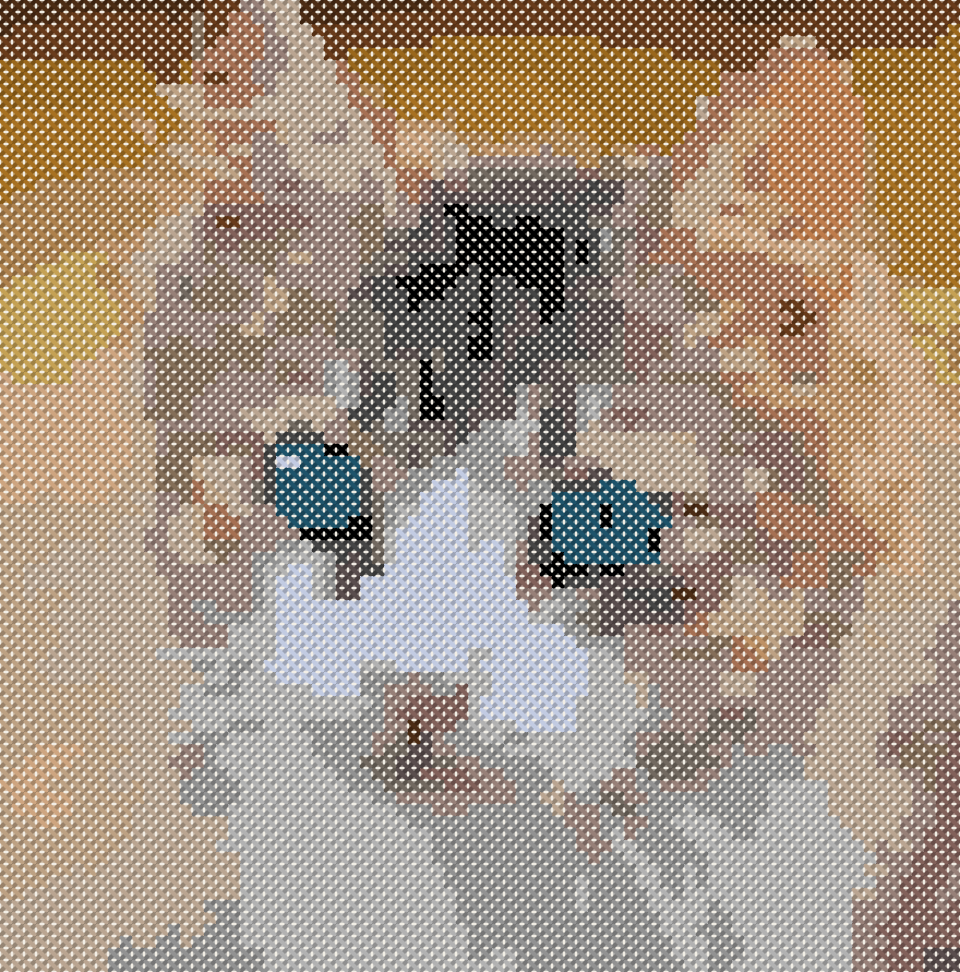
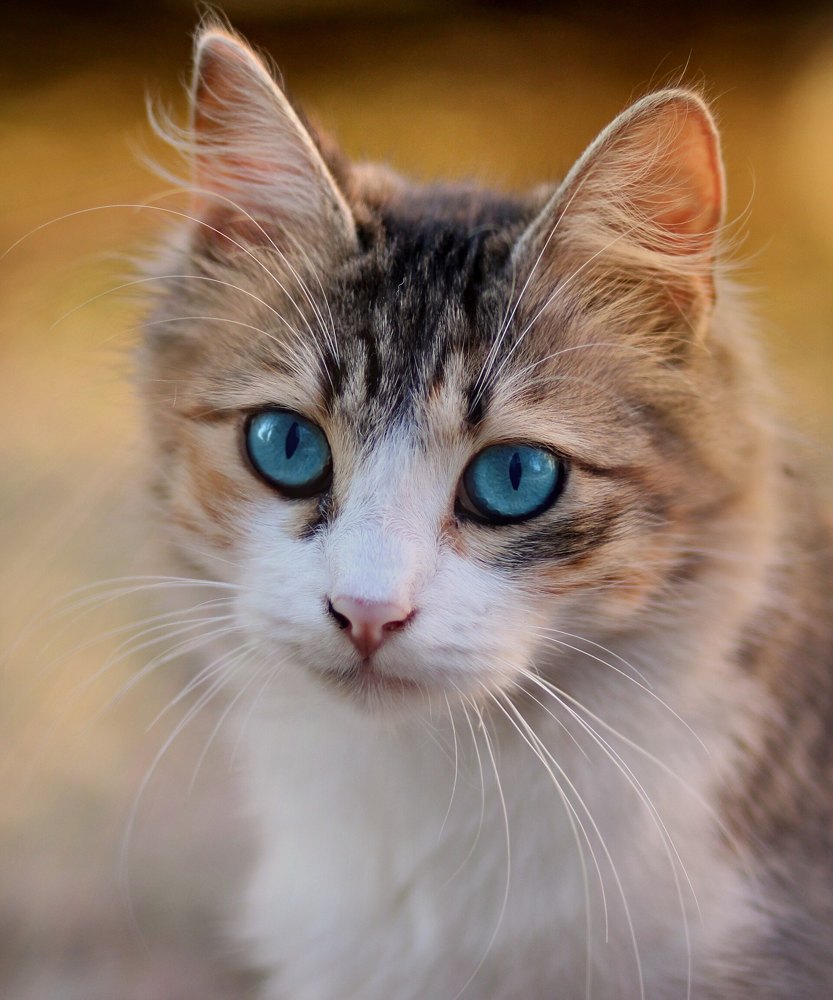
Photos turned into patterns
Each one was made with the converter on this page, using the default clean-up.
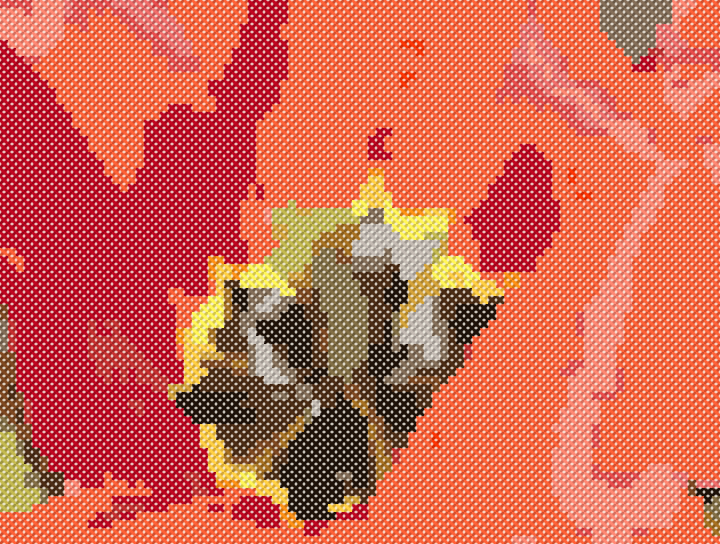
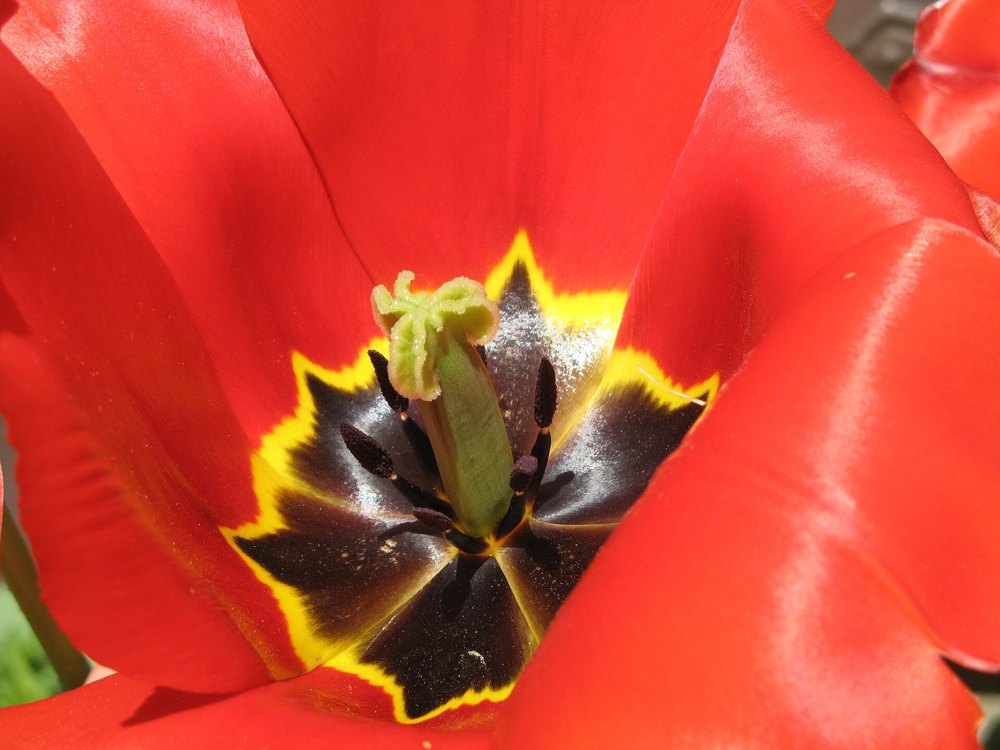
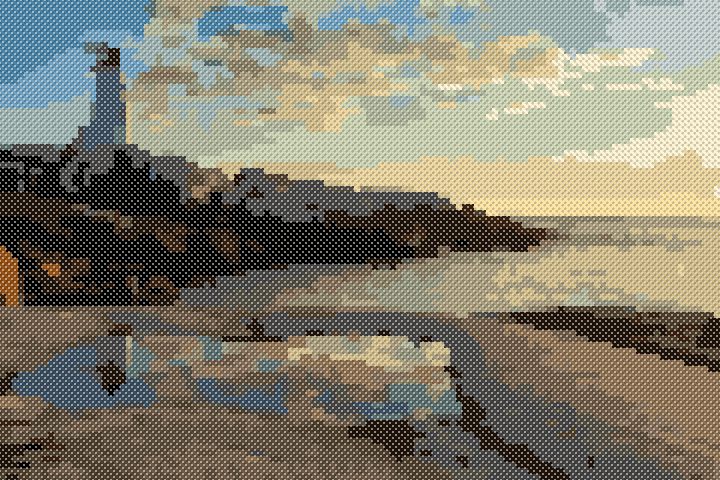
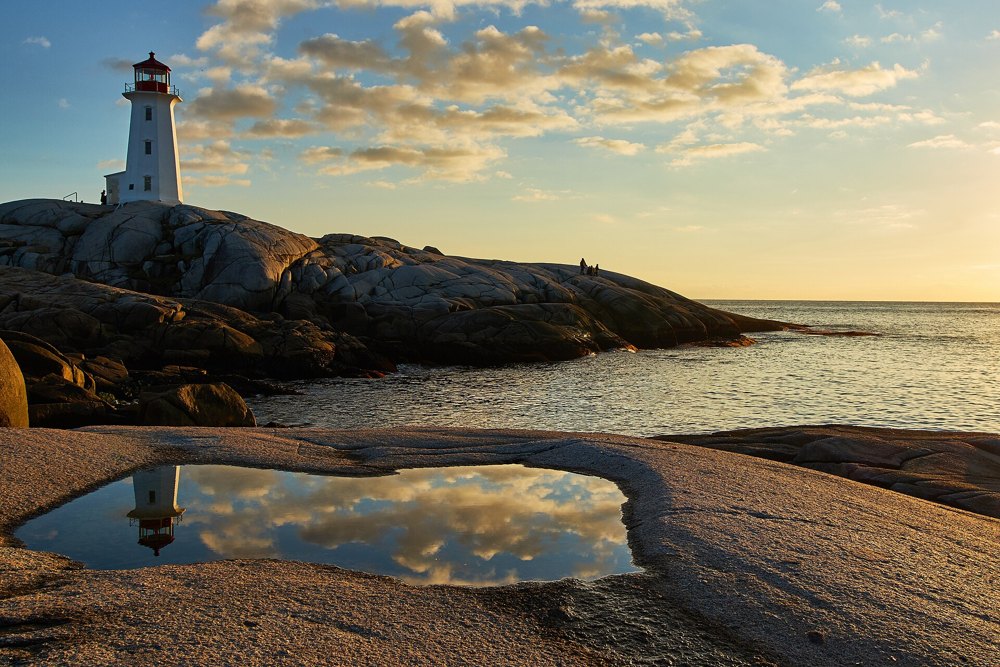
Free to design. Pay only for the files.
No account and no subscription. You see exactly what you're buying before you pay.
- The full converter: crop, size, colors, clean-up
- A stitched preview of your pattern
- The full DMC floss list with skein counts
- A watermarked preview image
- Printable PDF: symbol chart in color or black and white
- Letter or A4 pages with 3 mm squares, bold lines every 10
- Floss key with DMC numbers, names, stitches and skeins
- Chart PNG, floss list CSV and a full-size preview image
- Unlimited patterns for 30 days
- Every format: PDF, PNG, CSV
- For several photos or gifts
- Doesn't renew. No subscription
From photo to printed chart in three steps
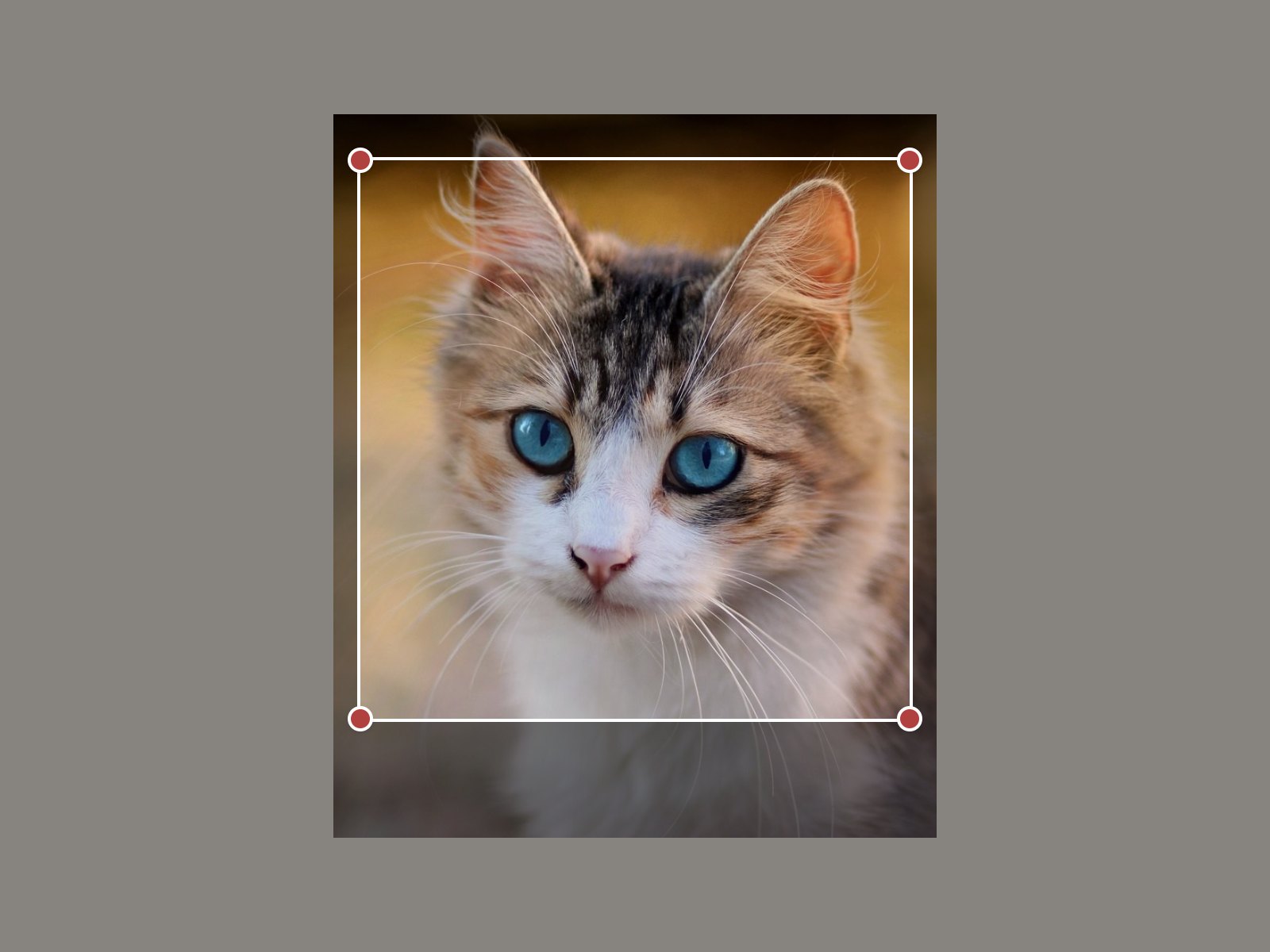 1
Add a photo and crop it
Pick a photo of a pet, a flower, a person or a place. Drag the box to crop to the part you want to stitch.
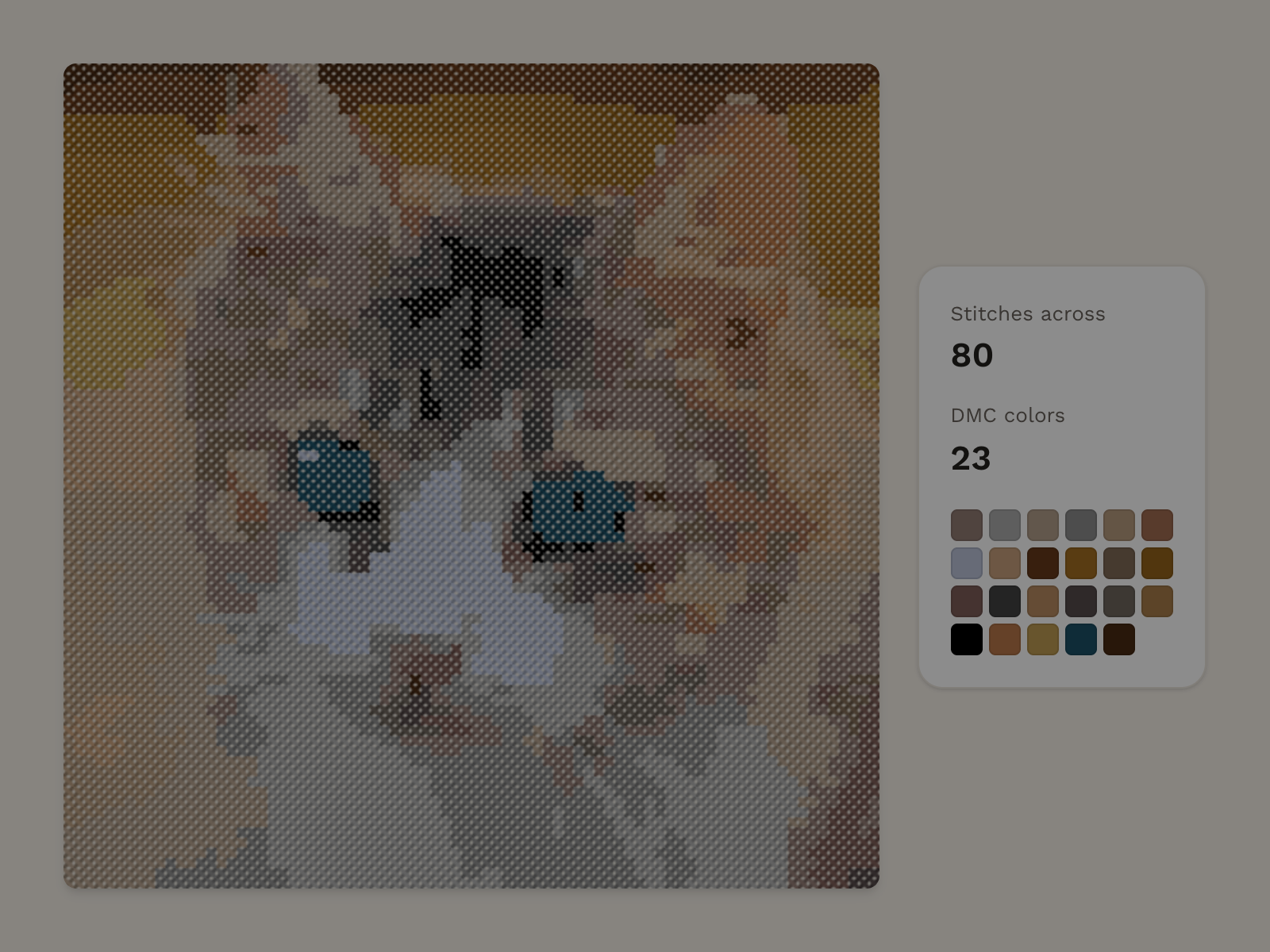 2
Set the size and colors
Choose how many stitches across and how many DMC colors. The stitched preview updates as you go, and stray single stitches are cleaned up for you.
 3
Print the chart
Download a PDF with a symbol chart split into readable pages, a floss key with DMC numbers and how many skeins of each to buy.
How a photo becomes a cross stitch pattern
A cross stitch pattern is a grid where every square is one stitch in one thread color. The converter builds that grid in four steps, all inside your browser.
- Grid. Your cropped photo is divided into squares, as many across as you choose. Each square takes the average color of the photo underneath it.
- Colors. The squares are grouped into the number of colors you allow, and each group is matched to the closest of 454 DMC six-strand floss colors. Matching uses CIEDE2000, the color-difference formula that follows how people see color, so a dark green stays a dark green instead of drifting toward gray.
- Clean-up. Photos produce lots of lone stitches in odd colors, called confetti. They're slow to stitch and hard to read. Clean-up merges single stitches (and, on Strong, small clusters) into the color around them, and drops colors that would only be used for a few stitches.
- Chart. Each remaining color gets a symbol. The most used color gets the simplest symbol.
The stitched preview shows the result as crosses on Aida fabric, so you can judge it the way it will look on the wall, not as pixels.
Choosing the size
The number of stitches across sets both the detail and the finished size. The finished size depends on the fabric count, which is how many squares fit in one inch.
| Stitches across | On 14-count | On 16-count | On 18-count | Good for |
|---|---|---|---|---|
| 50 | 3.6 in | 3.1 in | 2.8 in | Simple shapes, icons, cards |
| 80 | 5.7 in | 5.0 in | 4.4 in | Pets, flowers, small gifts |
| 120 | 8.6 in | 7.5 in | 6.7 in | Portraits, detailed pets |
| 180 | 12.9 in | 11.3 in | 10 in | Landscapes, large pieces |
Faces need more stitches than you'd expect: below about 100 across, eyes and mouths become a few squares and lose their expression. A pet or a single flower reads well from about 70 across.
Buy fabric at least 3 inches bigger than the design on every side, so you can frame it. The PDF lists the exact piece to buy.
How many colors to use
More colors give smoother shading, but every color is another skein to buy and another symbol to follow.
- 6 to 12 colors: logos, cartoons, flat artwork, simple flowers.
- 15 to 25 colors: most pets and flowers. A good default.
- 30 to 45 colors: portraits and landscapes with soft light.
- 50 to 60 colors: large, detailed pieces where you're happy to manage many colors.
The number you set is a maximum. If two colors land on the same DMC floss, or clean-up removes a color used for only a few stitches, the pattern uses fewer, and the converter shows the actual count.
Blend colors (dithering) mixes neighboring colors in a fine pattern to fake in-between shades. It suits photos with gentle gradients, like skies, but it creates many single stitches, so clean-up is switched off while it's on.
What's in the PDF pattern
- Cover page: the stitched preview, the design size in stitches, the finished size on 11, 14, 16 and 18-count, and the fabric piece to buy.
- Floss key: symbol, color swatch, DMC number, color name, number of stitches and skeins to buy for your fabric.
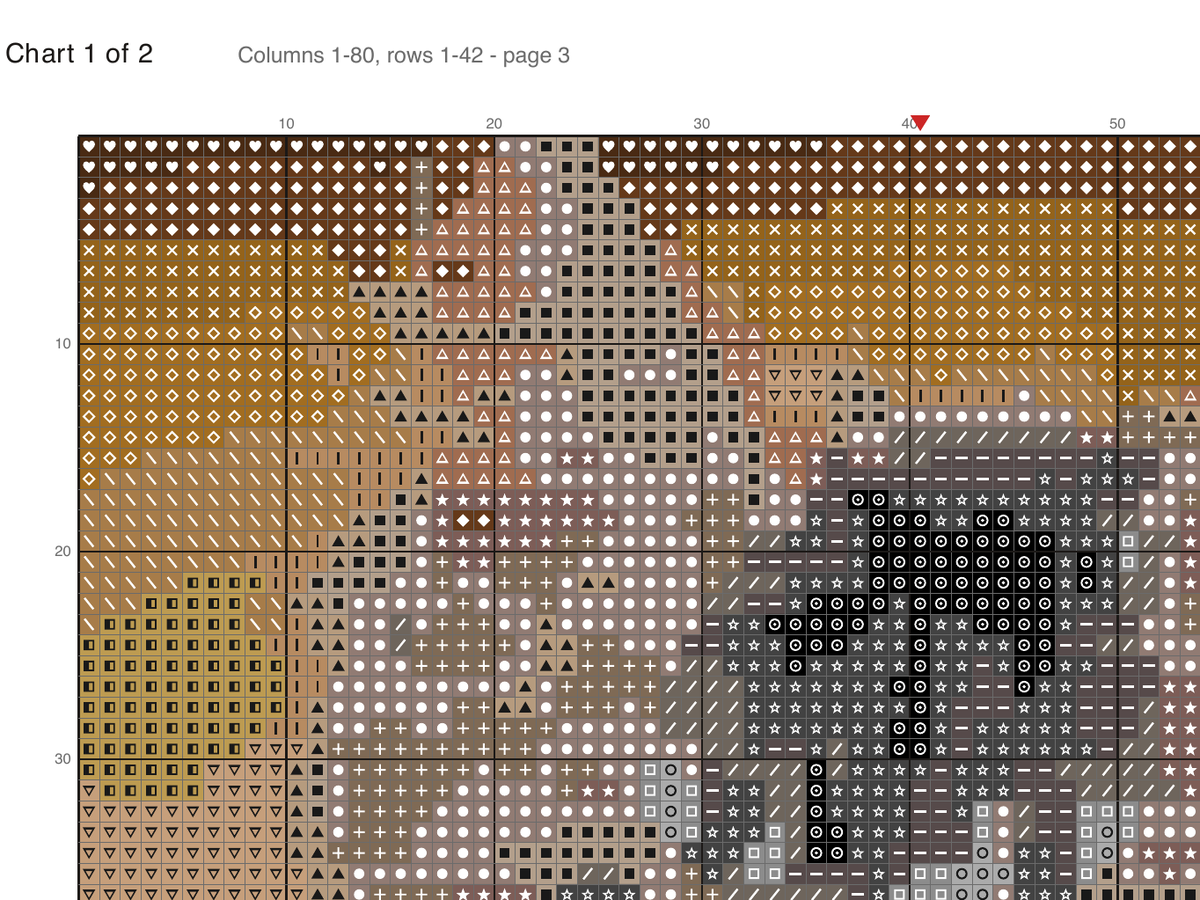
- Chart pages: 3 mm squares, so symbols are readable without a magnifier. Bold lines every 10 squares, with row and column numbers. Red arrows mark the center, where most stitchers start.
- Overlap: neighboring pages repeat 2 rows or columns, shaded, so you never lose your place at a page edge. The cover shows which page covers which part of the design.
- Color or black and white: the color chart puts each symbol on its floss color; the black-and-white chart prints cleanly on any printer and is easier to mark off with a highlighter.
Skein counts assume 2 strands on 14 to 18-count (3 strands on 11-count) and normal waste. Buy one extra of your two or three most-used colors, since dye lots can differ.
Photos that make good patterns
- One clear subject. A pet's face or a single flower beats a busy group shot. Crop tight.
- Good light, no strong shadows. Shadows become extra colors.
- Contrast with the background. A dark cat on a dark sofa will blend together. If the background is plain, tick "Leave a plain background unstitched" and the fabric shows through instead, which saves time and thread.
- Sharp focus. Blur turns into muddy colors.
Photos taken on a phone are plenty. The converter never needs more than about 1,500 pixels across.
Frequently asked questions
Is this cross stitch pattern maker free?
Yes. Converting a photo, the stitched preview, the floss list with skein counts and a watermarked preview image are all free, with no sign-up. The printable PDF chart costs $4.99 for one pattern, as a one-time payment.
What do I get for $4.99?
The printable PDF pattern (cover, floss key and chart pages, in color or black and white, on Letter or A4), a single-image chart PNG, the floss list as a CSV file and a full-size preview image without watermark. You can change the size, colors or crop and download again for 7 days in the same browser.
What is the $9.99 30-day pass?
Unlimited patterns and downloads for 30 days in the browser you paid from. It's a one-time payment and doesn't renew.
Is my photo uploaded?
No. The pattern is made in your browser, and your photo is saved only in this browser so your project is still there if you come back. Use New photo to remove it. The only things sent to our server are the checkout request and, after paying, a check that the payment went through.
Which thread brand do the colors use?
DMC six-strand embroidery floss (Mouliné Spécial 117), the most widely sold brand in the US. On-screen colors are approximations, so check the shades in a store or against a DMC color card when you can.
How many skeins do I need?
The floss list shows skeins for each color based on your fabric count. One skein covers about 1,700 full cross stitches on 14-count with 2 strands, a bit more on 16 or 18-count. Buy one extra of the colors you use most.
What size should my pattern be?
For pets and flowers, 70 to 100 stitches across. For faces, at least 100. On 14-count Aida, 80 stitches across is about 5.7 inches. The size panel shows the finished size as you change it.
Why does my pattern use fewer colors than I set?
The setting is a maximum. Two groups can match the same DMC color, and clean-up drops colors that would only be used for a handful of stitches. Turn clean-up off if you want every color kept.
Can I sell patterns I make here?
You can sell patterns made from photos you own or have the rights to. Don't use photos of other people's artwork, characters or brands without permission.
Does it work on my phone?
Yes, in Safari and Chrome on iPhone and Android. You can take a photo directly. The PDF is easier to check on a bigger screen before printing.
Can I get a refund?
Yes. If the pattern doesn't work for you, email us within 14 days with the email address on your receipt and we'll refund the full amount.
Turn your photo into a pattern
Free preview · Up to 60 DMC colors · Photo never uploaded